
Scintillating Slides
Create Visuals as Fabulous as You Are
3-hour live, interactive, practical webshop
Are your slides stuck in 2020? Have you significantly updated them lately to reflect how good you are now? Are they as dynamic as your delivery? As memorable as your message?
Too often, the reverse is true—outdated or dull slides silently signal, “This speaker hasn’t refreshed their presentation in years.”
Some presenters insist, “People don’t come to see my slides.” True—but they often judge you by them. Even the most riveting delivery can be undercut by visuals that feel old-fashioned or inconsistent. Great slides visually reinforce your message, helping audiences remember you long after you’re done. They should be as captivating as you are.
Maybe you use only a few slides with images and a few words. Great! Have you curated the strongest visuals to anchor your key ideas? Is your text readable from the back of the room? Do your slides have just enough flair to delight without distracting?
Does an assistant make your slides? Are you using AI to create images or whole presentations? These sources often don’t know the nuances we’ll cover to make your slides—and you—truly stand out. Your slides reflect you, so even if you get help, you need to know the options for creating professional, unique, high-quality visuals.
When you couple your polished delivery with visually compelling slides, your audience absorbs your message with greater clarity, energy, and impact.
In this lively, interactive, practical webshop, you’ll learn simple design principles and creative tricks to breathe new life into your slides. You’ll see examples of small tweaks that make a big difference, from enhancing readability to adding subtle flair without going overboard. You’ll leave with ideas—and inspiration—to make your slides not only support your content, but elevate your entire presentation. And you’ll have more fun being creative in the process.
In this 3-hour webshop, you will learn:
- Critical design principles that few presenters (nor template designers) know and use.
- A variety of ways to make your slides complement your content.
- Ideas to add more spark to your slides
- How to make your slides interactive without having your audience go to a website
- The minimum font size that enables all audience members to clearly see your text (yours are likely way too small)
- What colors to use for the slide background and text
- Why and how to use relevant, non-smarmy animations to keep your audiences’ attention
- To incorporate concepts of how adults absorb and remember information so your slides cement your message instead of distracting
- How to use purposeful animation
- Slide features only available in online presentations
- Nuances that elevate your slides, just like the best graphic designers
- How to incorporate images and video for creative effect
- The differences in some before and after slides, showing real examples of typical boring slides and how to significantly upgrade them
- Creating movie-like effects using only your slide tool
- How to make your slides even better with suggestions from fellow attendees
- Links to vetted tutorials with step-by-step guides
The ideas are applicable for both in-person and virtual presentations (some tools are only available in online presentations).
The majority of the techniques shared are relevant to most slide-creation tools (PowerPoint, Keynote, Canva, Prezi, Google Slides). Some of the demonstrated effects are available only in PowerPoint and Keynote.
You’ll bring 5 slides that you want to improve. In a breakout, you’ll get suggestions from other attendees on how to improve them, based on the concepts shared in the webshop.
This webshop is not:
- A how-to-use-PowerPoint class. This course shows you examples of how to be “creatively practical (TM)” in designing and presenting your slides to enhance your presentations, no matter what slide tool you use.
- A step-by-step guide for every example shown. Rebecca’s brilliance lies in showing you creative, practical ways to enhance your slides for adult audiences, not in giving tutorials. You can get that info from the vetted list she provides. You can’t get Rebecca’s practical creativity anywhere else.
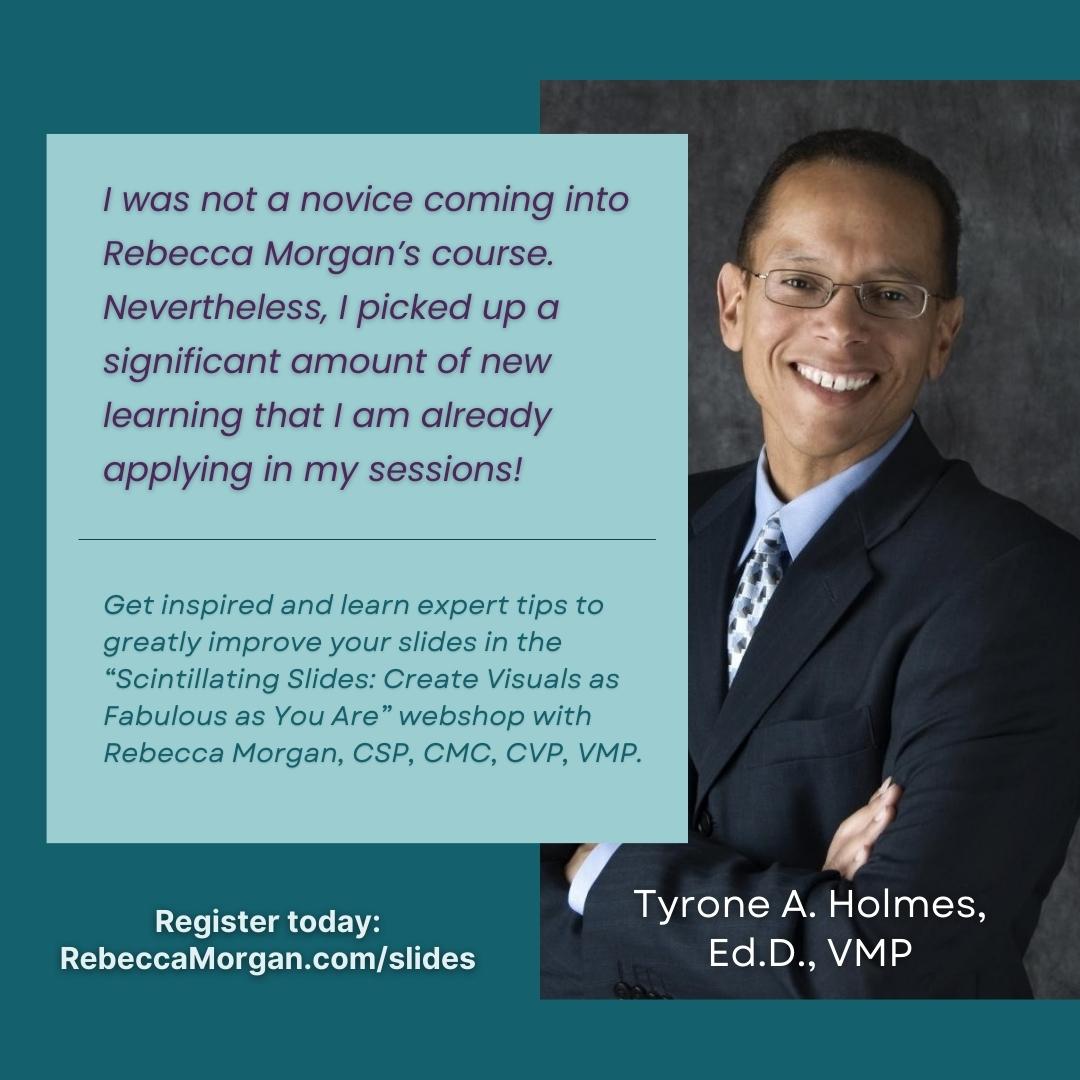
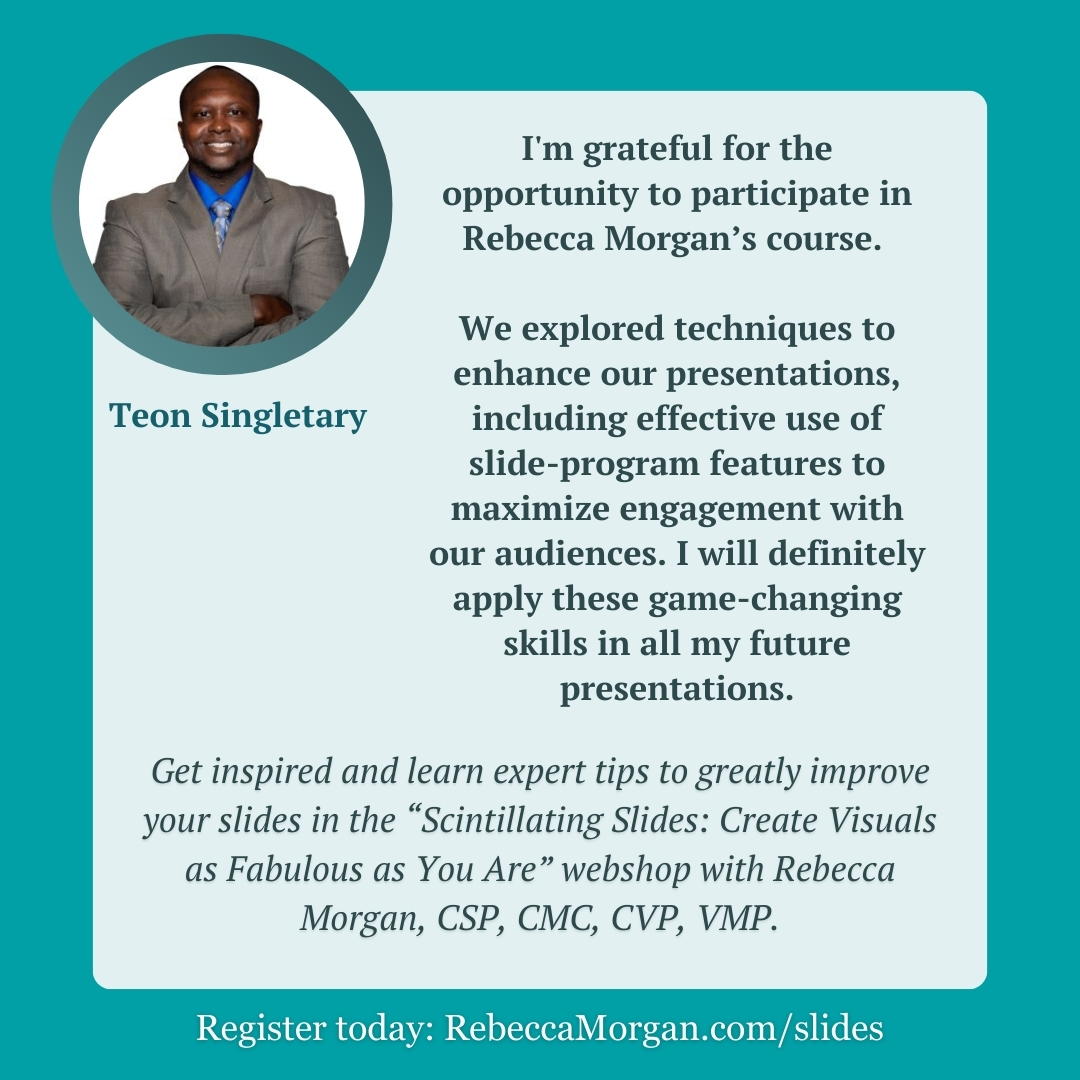
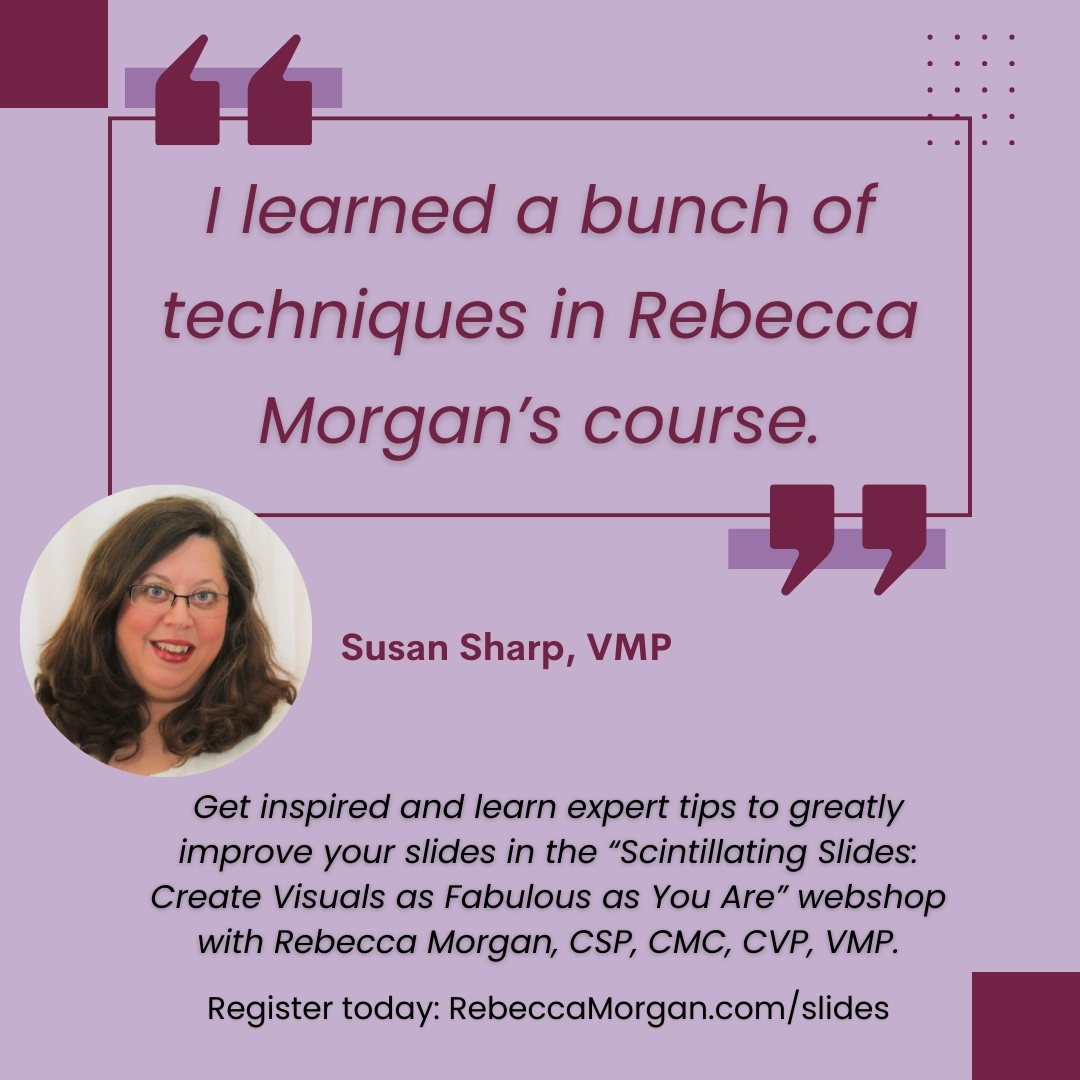
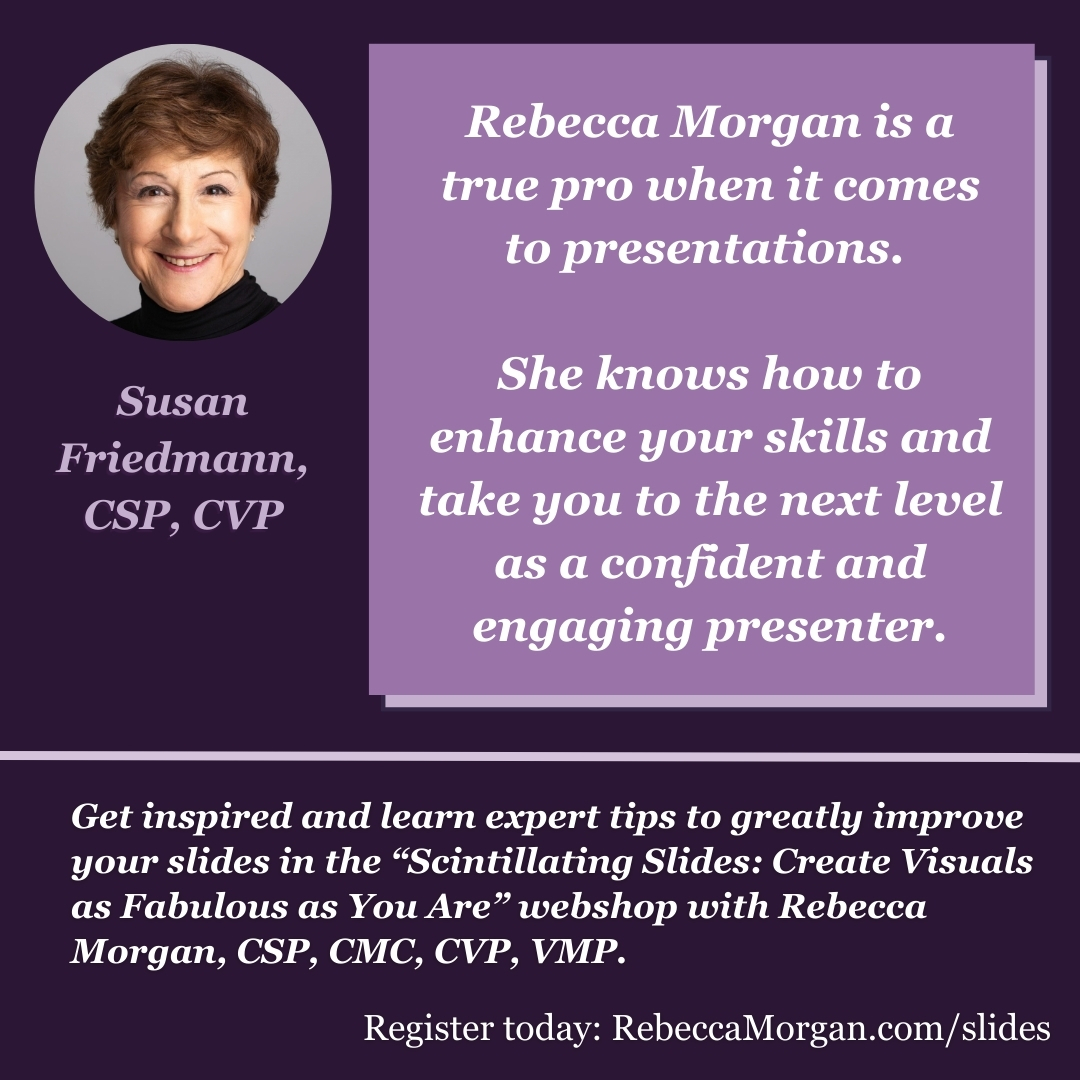
You’ll Learn from a Master
Pioneer

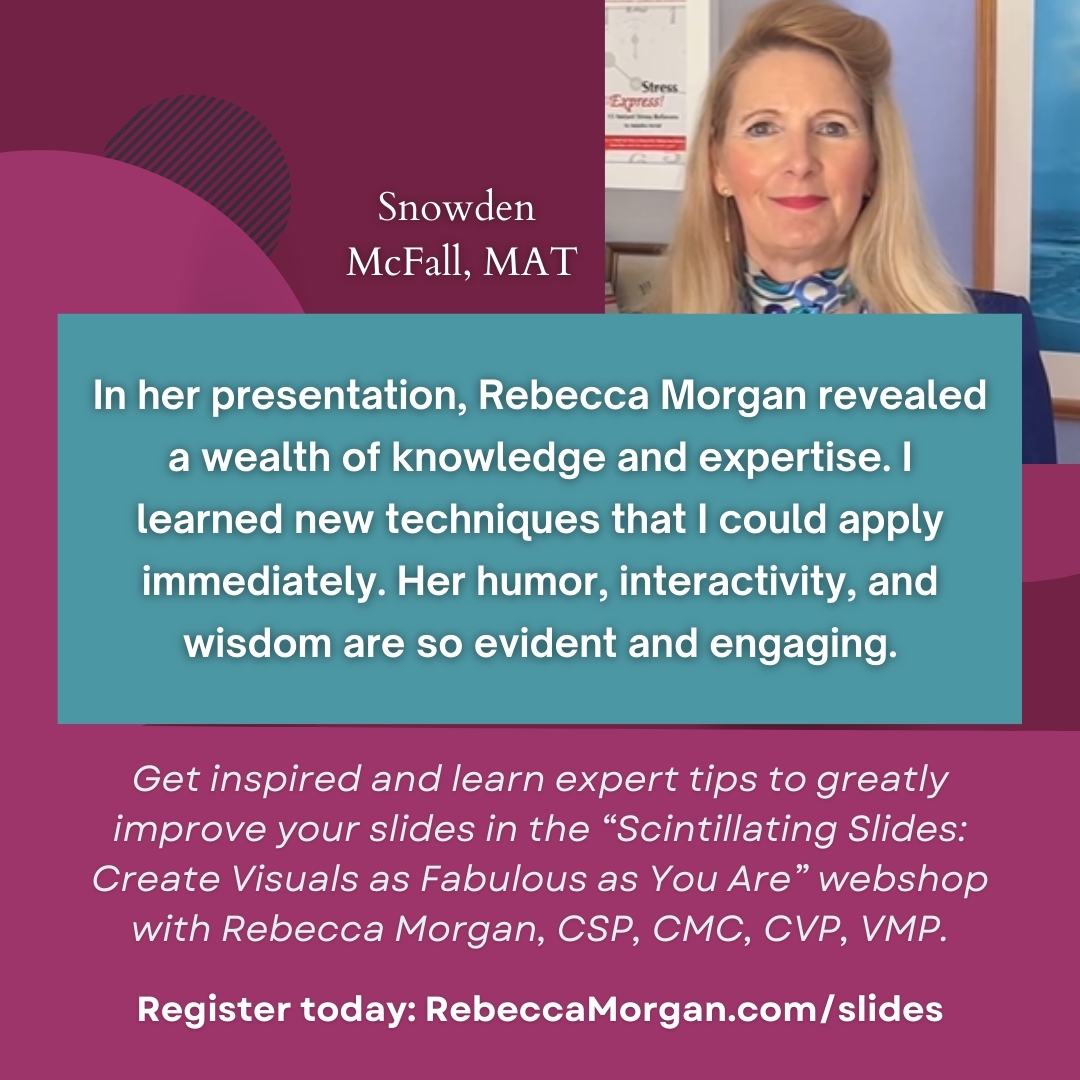
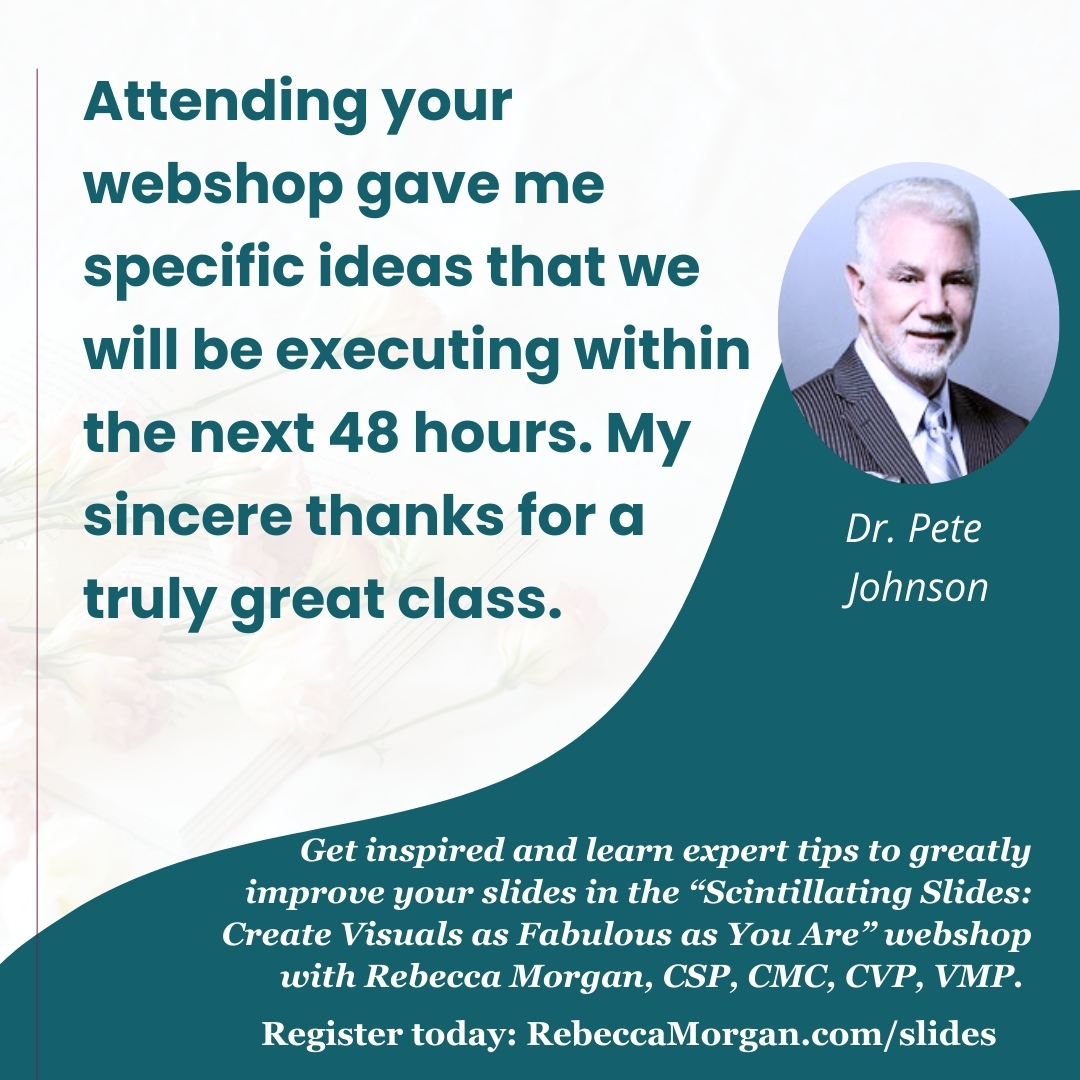
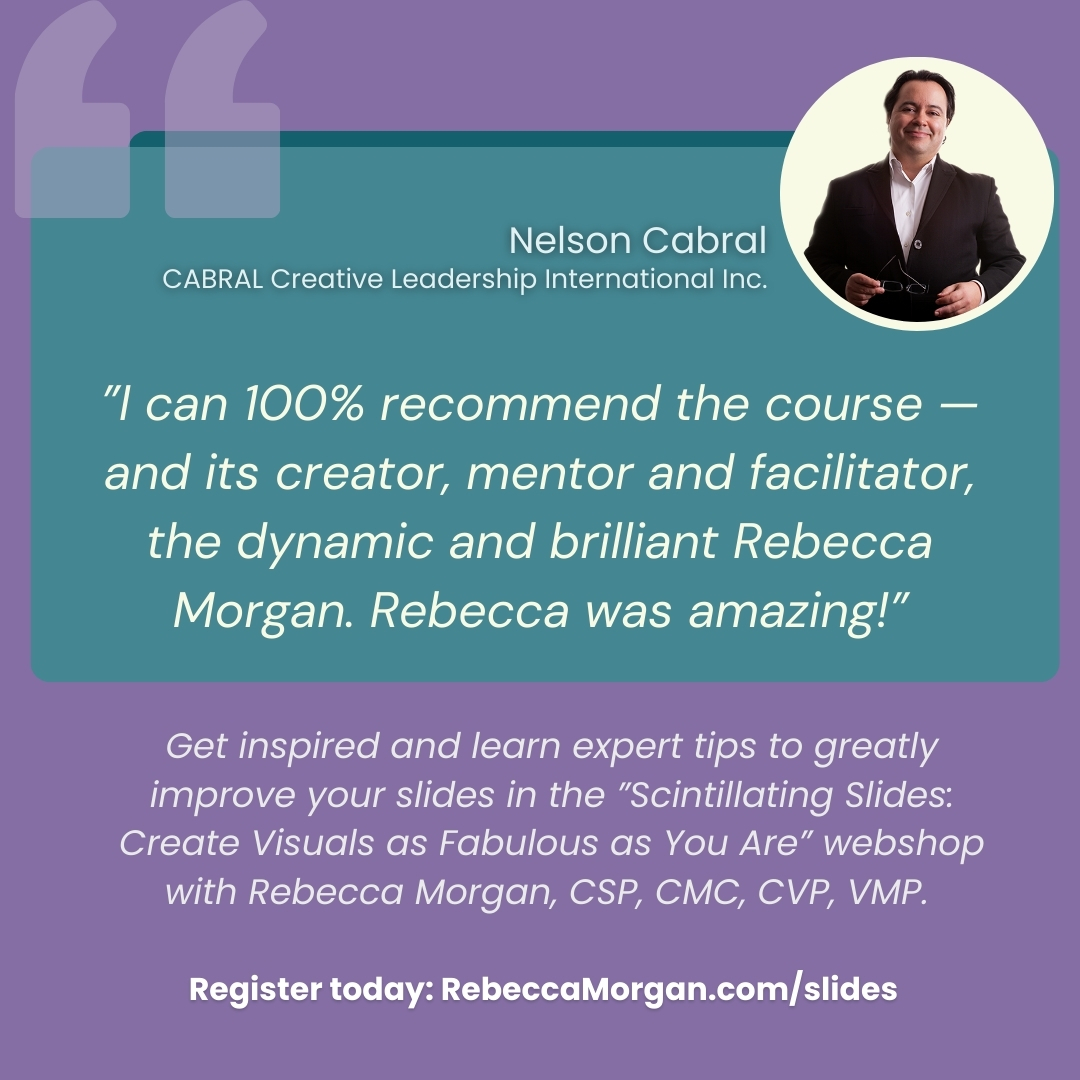
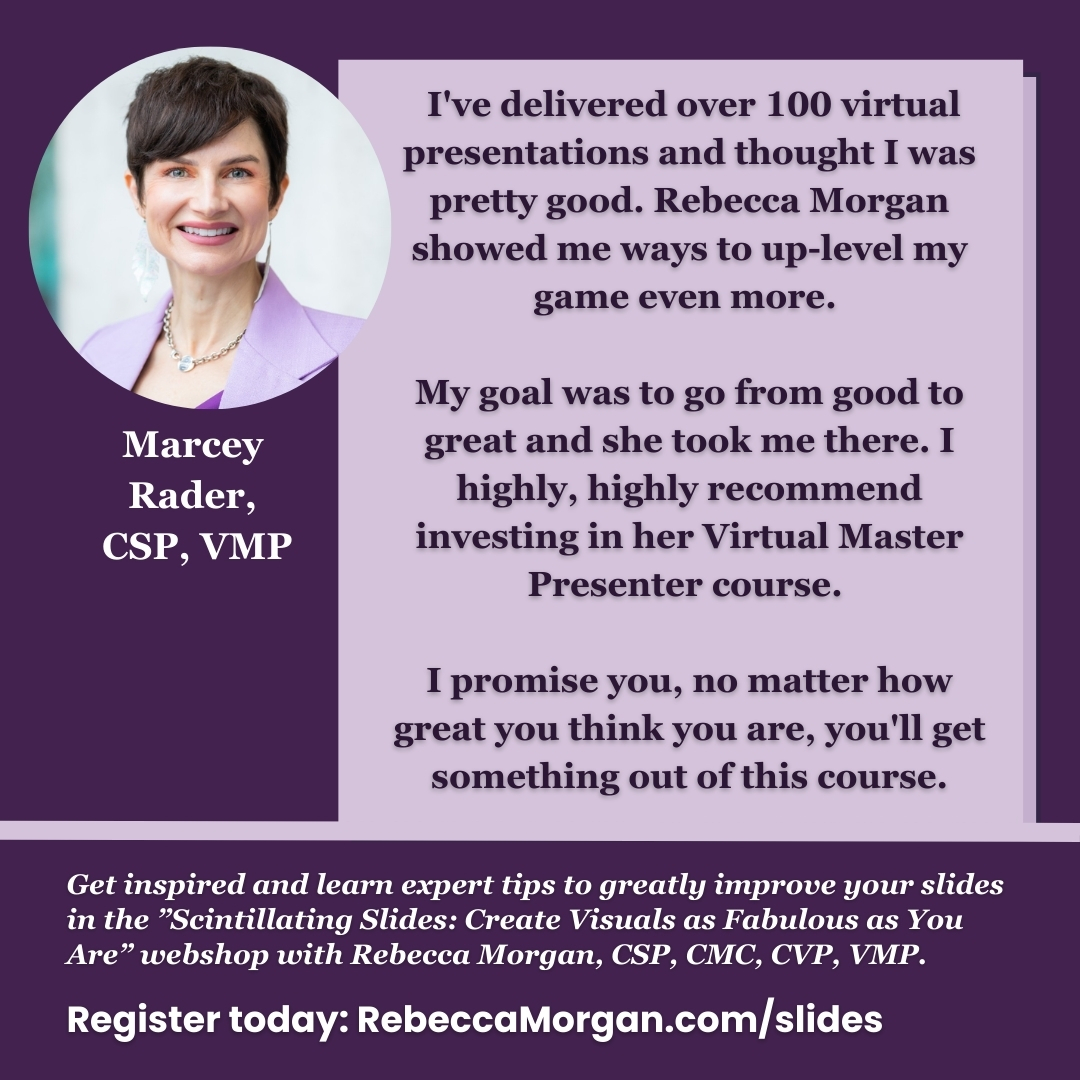
Rebecca Morgan, CSP, CMC, CVP, VMP, blends her decades of experience presenting globally with her deep knowledge of how adults absorb and retain information. She’s mastered creating engaging slides to enhance presentations, prompting an Apple slide expert to say, “You’re doing things with your slides that I’ve never seen anyone do. You need to teach us how to do what you’re doing.”

Her clients say that they are riveted during her presentations, not only because of what she says, but also because of how she uses slides to help them absorb and remember key points and stories. She understands that your slides can greatly enhance or diminish your credibility, memorability, and effectiveness.
Elite Professional
As a lifelong learner striving for excellence, Rebecca embraces continuous improvement. She's the first person in the world to earn the designations of Certified Speaking Professional (CSP), Certified Management Consultant (CMC), Certified Virtual Presenter (CVP), and Virtual Master Presenter (VMP).

Rebecca’s ideas are creatively practical, making her sought out by domestic and international media.

28 Books
Rebecca is the bestselling author of 28 books, including these most recent titles. Ask her which is her favorite!

These two have sold over 250,000 copies each, and have been translated into nine languages.

Thought Leader
Her upcoming book, Master Virtual Presentations, includes information every virtual presenter needs to know, diving deep beyond the basics.
Key insights include how to
- ensure viewers see you at your best
- connect eye-to-eye nearly all the time
- involve your audience meaningfully
- create attractive, effective slides
- recover from tech glitches
- have more fun!

Clients
Many world-class organizations have engaged Rebecca to deliver custom in-person and virtual presentations on management, communication, sales, and virtual presentations.
